
Bunny96 App and Mobile Casino

Bunny96 Casino runs as a fully browser-based platform on iOS and Android. There is no native app to download from the Apple App Store or Google Play, and there is no separate APK file distributed by Bunny96. The full library — pokies, live dealer tables, the cashier and live chat — opens directly in Safari, Chrome or any modern mobile browser. Players can add Bunny96 to the home screen for one-tap launch, claim the same A$20 no-deposit welcome bonus available on desktop, and deposit through PayID, OSKO or cryptocurrency without leaving the browser tab they are using.
Why Bunny96 Has No Native App
App stores enforce strict restrictions on real-money casino apps. Apple and Google have removed or refused listings for many international casino operators across the Australian market, leaving most offshore brands to operate through mobile-optimised websites rather than downloadable apps. Bunny96 follows the same browser-first approach.
The browser model carries practical advantages for the player. There is no installation step, no storage commitment on the device and no update prompts blocking access to the game. Security parity is maintained because the same 256-bit SSL encryption and account safeguards apply whether the player connects from a browser or a native app shell. The web version receives updates instantly without waiting for store approval cycles, and game performance on modern HTML5 pokies matches a native app's responsiveness.
| Feature | Native casino app | Bunny96 web app |
|---|---|---|
| Download size | 100+ MB on the device | 0 MB — runs in browser |
| Updates | Wait for store approval cycles | Instant, no action required |
| Login | Set up separately per device | Single account across all devices |
| Speed | Optimised for OS shell | HTML5 performance parity |
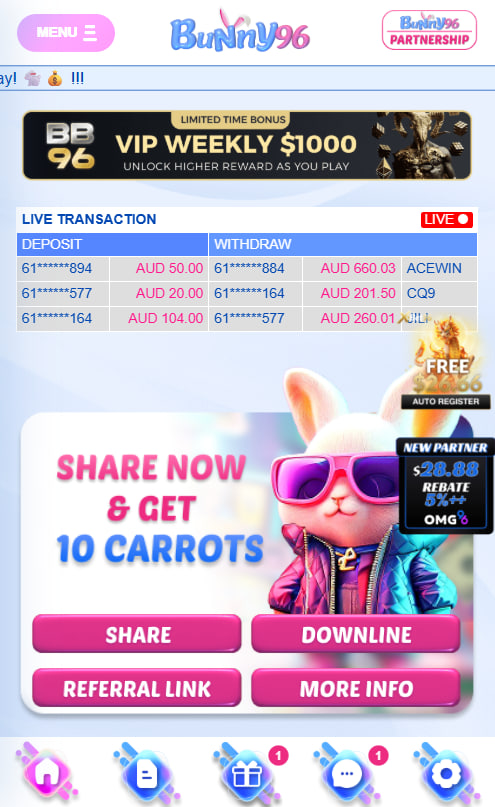
iOS — Add Bunny96 to the Home Screen
Apple's Safari browser supports Add to Home Screen on every iPhone and iPad. This creates a Bunny96 icon on the device home screen that launches the casino as a full-screen progressive web app, with no Safari address bar visible during play.
Add to Home Screen Steps on iPhone
- Open Safari and navigate to bunny96.com.
- Tap the Share button — the square icon with an up-arrow — in the bottom toolbar.
- Scroll the share sheet and tap Add to Home Screen.
- Name the shortcut Bunny96 and tap Add in the top-right corner.
The icon then appears alongside other apps on the iPhone home screen. Tapping it launches Bunny96 in a borderless full-screen view, giving the experience the feel of a downloaded application without the storage overhead.
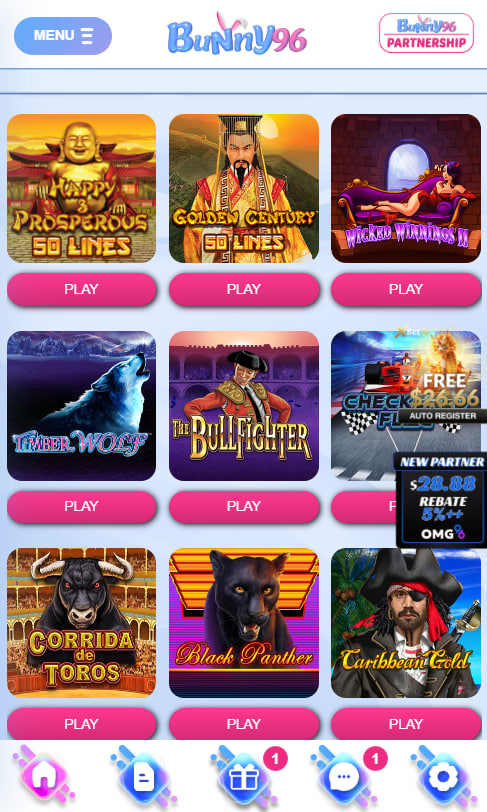
Android — Install Bunny96 from Chrome
Google Chrome on Android supports installing Bunny96 directly from the browser using its built-in Progressive Web App (PWA) feature. The process mirrors the iPhone flow with one additional menu step.
Install Steps on Android
- Open Chrome and navigate to bunny96.com.
- Tap the three-dot menu in the top-right corner of the browser.
- Select Install app or Add to Home screen from the menu.
- Confirm the install dialogue when it appears.
The Bunny96 icon then appears in the Android app drawer and on the home screen. Importantly, Bunny96 does not distribute an APK file. Players are strongly advised to avoid downloading APKs from third-party sites — these are unofficial copies that frequently contain malware, spyware or modified payment redirects, and Bunny96 cannot verify the integrity of any unofficial installer.
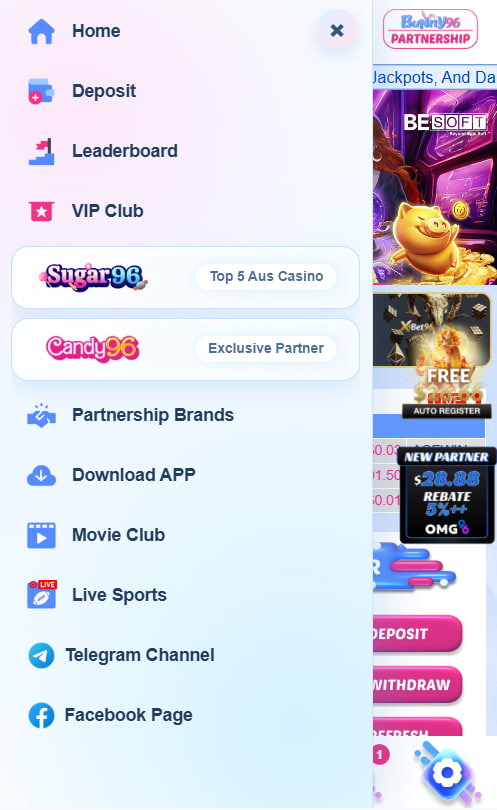
Mobile Features That Match Desktop
The mobile version of Bunny96 is feature-equivalent with the desktop site. Players use the same login credentials, see the same account balance and unlock the same promotions regardless of which device they open. Mobile-equivalent features include:
- Pokies, live dealer tables, table games and crash titles in the full library
- The complete A$20 no-deposit welcome bonus and tiered match offers
- PayID and OSKO deposits initiated directly from a banking app
- 24/7 live chat support without leaving the active game window
- HD live dealer streams scaled automatically for mobile bandwidth
Players opening a new account can complete the entire sign-up flow from a mobile browser, claim the welcome bonus and start playing in the same session.

Magnolia Whitcliffe
Magnolia Whitcliffe reviews Bunny96 Casino at bunny96-casinos.com — the 2024-launched Bridge Technologies B.V. brand operating under Curaçao licence, sister to SUGAR96, CANDY96 and LUX96. Covers the 60+ studio library (Pragmatic Play, Habanero, Playson, 3 Oaks, CQ9, PlayStar, Spribe) plus Pragmatic Play Live, Sexy Gaming and Dream Gaming live tables, the A$20 no-deposit welcome plus tiered 60-80% first-deposit match up to A$480 at 35-45x wagering with A$100 max cashout, native AUD + PayID + OSKO + crypto banking, and the pure web-based PWA on Safari and Chrome.